Findings from unmoderated sessions
One session completed: individual path, Android 10 mobile, 28 June 2026. Two of the three anticipated issues were confirmed. One new friction point was not previously anticipated.
1Sessions completed
100%Completion rate
Steps 6, 17Friction steps
6:53Time on task
Three required privacy consents, no indication which one was skipped
Step 6, privacy preferences
Step 6 has three policy documents and three required radio groups (analytics, marketing, partner sharing) stacked in sequence. A participant who answers two of the three gets a validation error with no indication of which consent is still missing. The fields are separated by long policy iframes, making it easy to lose track of which groups have been answered on a small screen.
Confirmed
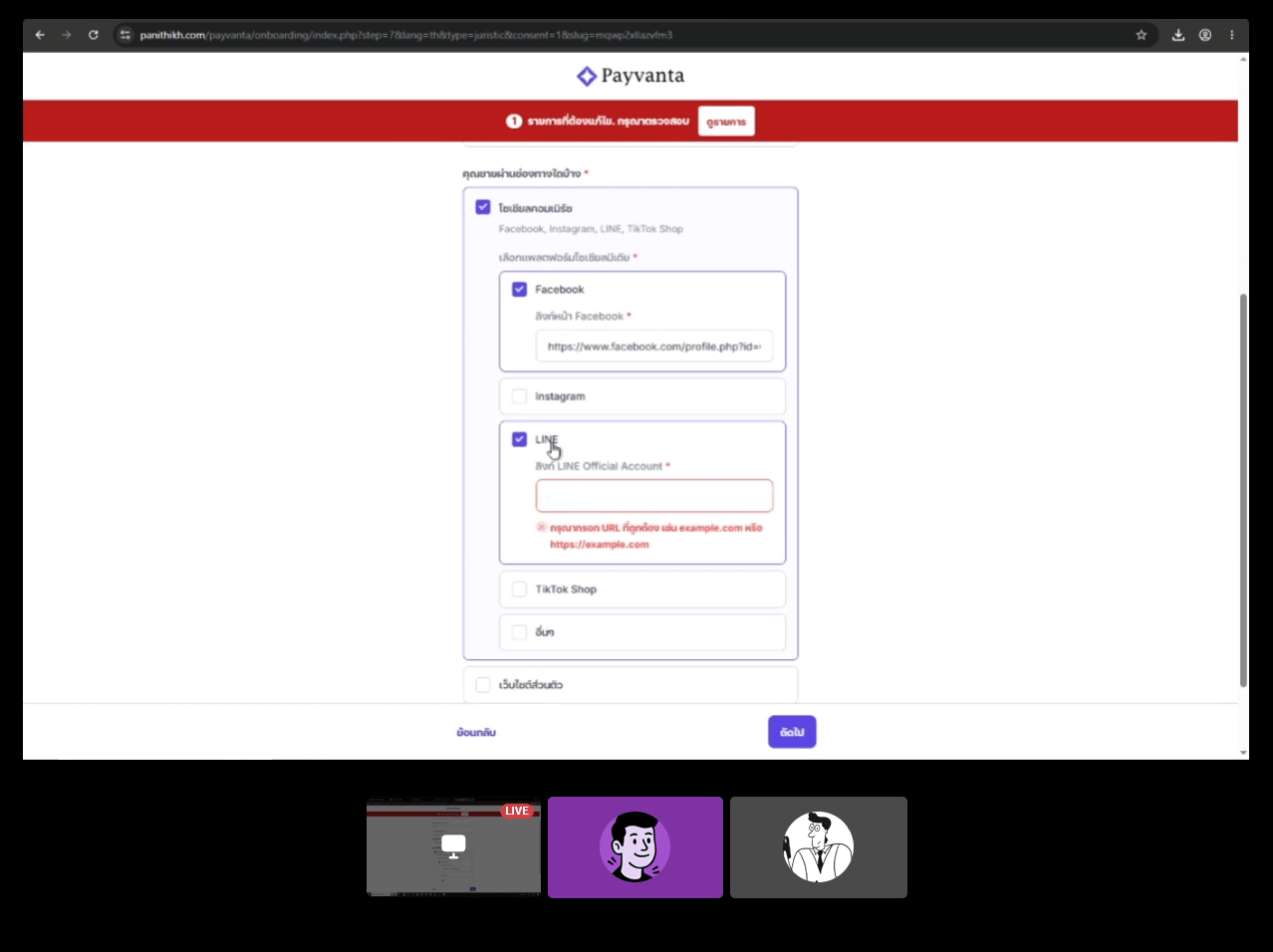
The first unmoderated participant tried to advance without selecting consents 2 and 3, triggering 4 validation errors. What the data revealed: recovery took under 4 seconds. The participant immediately selected "decline" for both without hesitation. The friction is about the required-choice pattern being unexpected, not uncertainty over what to choose. Participants know what they want to select once they see the error; they just did not expect that declining is a step they have to take.
Room to improve
- Make it explicit that all three consents can be declined. Users freeze because they do not know if declining blocks the application.
- Replace each policy iframe with a one-sentence plain-language summary so participants can decide without reading a full document.
- Reframe each consent around the benefit to the merchant, not the policy category.
OTP in two consecutive steps with no context switch guidance
Steps 2 and 3, phone and email verification
Participants must verify both phone (step 2) and email (step 3) back to back. In an unmoderated setting, a participant who completes the SMS step may not realize they need to immediately switch to their email app for the next one. The step title "Verify your email" is the only signal. Participants who do not read the instruction page carefully may wait for a second SMS or assume the form is broken.
Partial confirmation
Phone OTP (step 2) took 51 seconds on mobile, compared to 11 seconds in the moderated desktop session. The gap reflects the time needed to exit the browser, open the SMS app, read the code, and return. Email OTP (step 3) was 8 seconds. SMS context-switching is the real friction; email is not a problem in practice.
Room to improve
- Add a short bridging message at the top of step 3 that explicitly says "Now check your email" to reduce the context-switch gap.
- Show the destination address (not just the type) so participants can confirm they are checking the right inbox.
Delivery address question missed below the OCR review panel
Step 17, OCR review
The OCR review step pre-fills extracted ID data into a vertical list of fields for the participant to confirm. On mobile, a required radio group ("Is your delivery address the same as your ID card address?") appears below the last OCR field, after a section divider. The unmoderated participant reviewed all extracted fields and submitted without scrolling past the divider, triggering 2 validation errors. Recovery was fast once the field was visible, but the miss was clean: the participant had no idea the step continued below the OCR data.
Room to improve
- Move the delivery address question above the OCR review panel, or separate it into its own step, so it is not buried under pre-filled data.
- Use a visible section label or scroll indicator to signal that the step continues past the OCR fields.