Clock in, anywhere
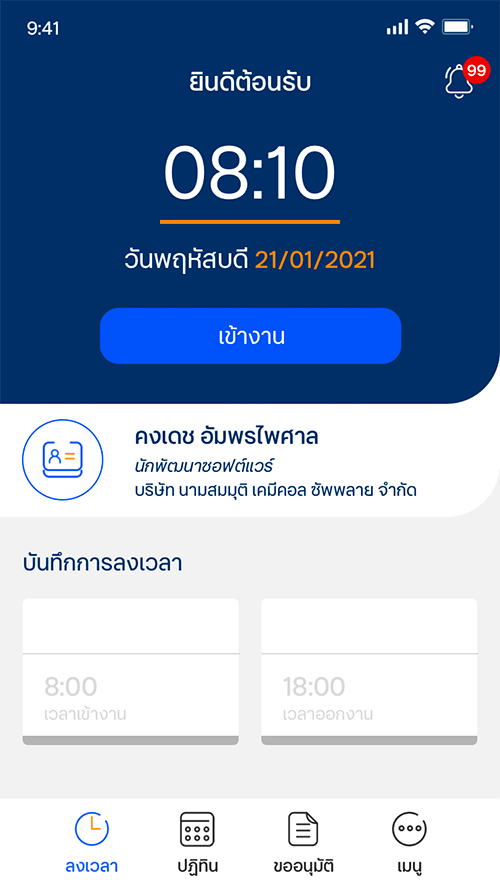
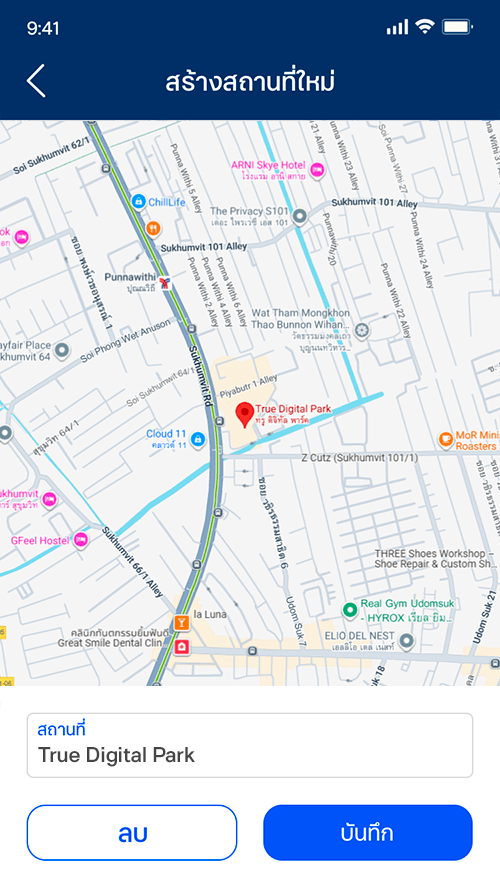
Location-based check-in with saved office and personal locations, including support for remote and work-from-home attendance.
A mobile HR platform that brings attendance, leave, expenses and approvals into one workflow.

iHuman brought attendance, leave, expenses and overtime into a single mobile workflow, while allowing managers to review and approve requests from the same app instead of a separate back-office system.
Location-based check-in with saved office and personal locations, including support for remote and work-from-home attendance.
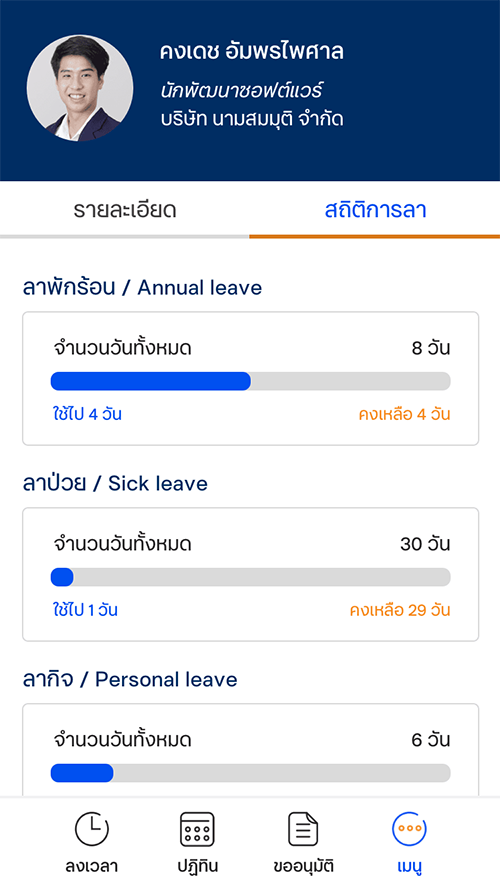
Employees could submit leave, expense and overtime requests with live balances, attachments and status tracking directly from the app.
Managers could review pending leave, expense and overtime requests from a single approval queue with quick access to request details.
Employees could access attendance records, leave calendars, payslips and profile information from one place.
For most employees, simple HR actions meant forms, emails and waiting. Managers approved the same requests across disconnected channels. The opportunity was to compress all of it into one fast, mobile flow.
Checking in, applying for leave or claiming expenses each lived in different places, making it confusing and easy to forget.
Managers had no single view of what was waiting for them, so requests stalled and visibility was poor.
HR tooling was desktop-bound, while the field, on-site and remote workforce lived on their phones.
The home screen leads with the one thing people open the app for: the time, and a single large action to clock in or out. Today's record sits right below, so the current status is never in doubt.

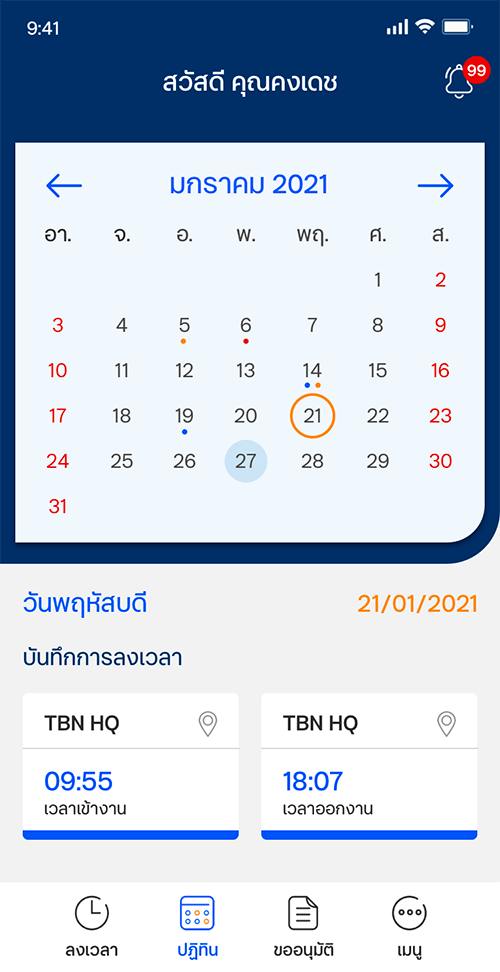
A one-month view encodes everything: normal days, half-day and full-day leave, holidays and check-in records, using small colour-coded dots so patterns are readable at a glance.
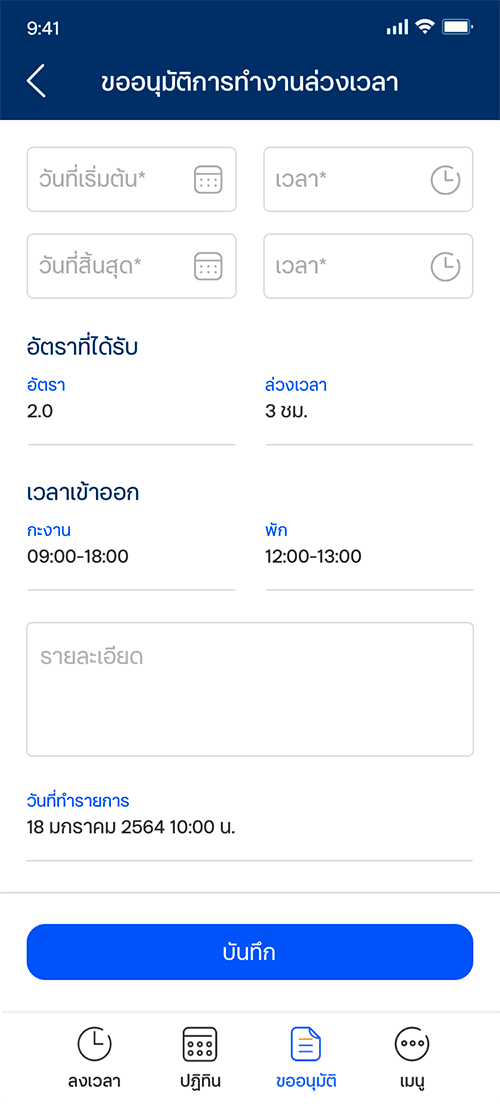
Leave, expense and overtime share one consistent form pattern. The leave form shows the remaining balance up front, supports attachments, and keeps the primary save action pinned and obvious.

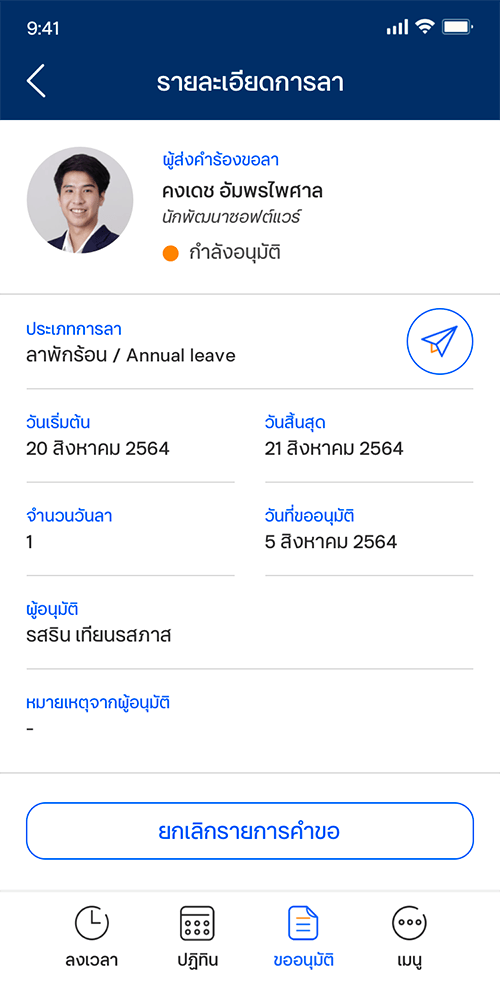
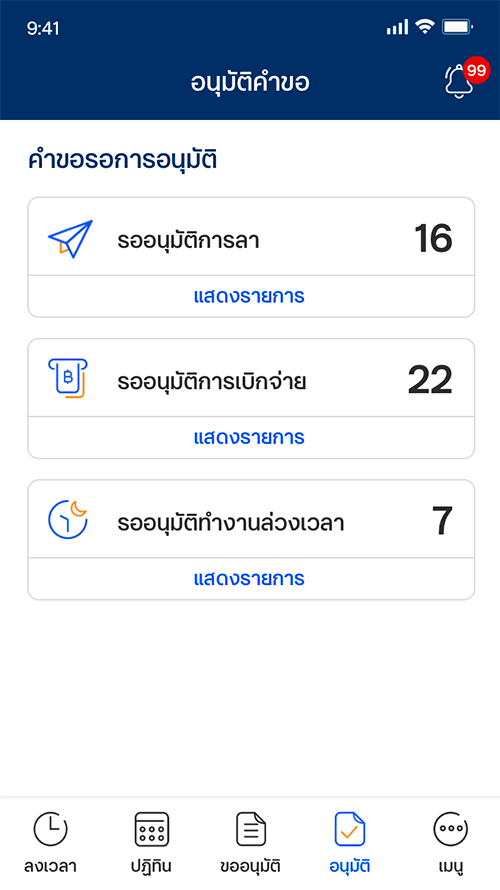
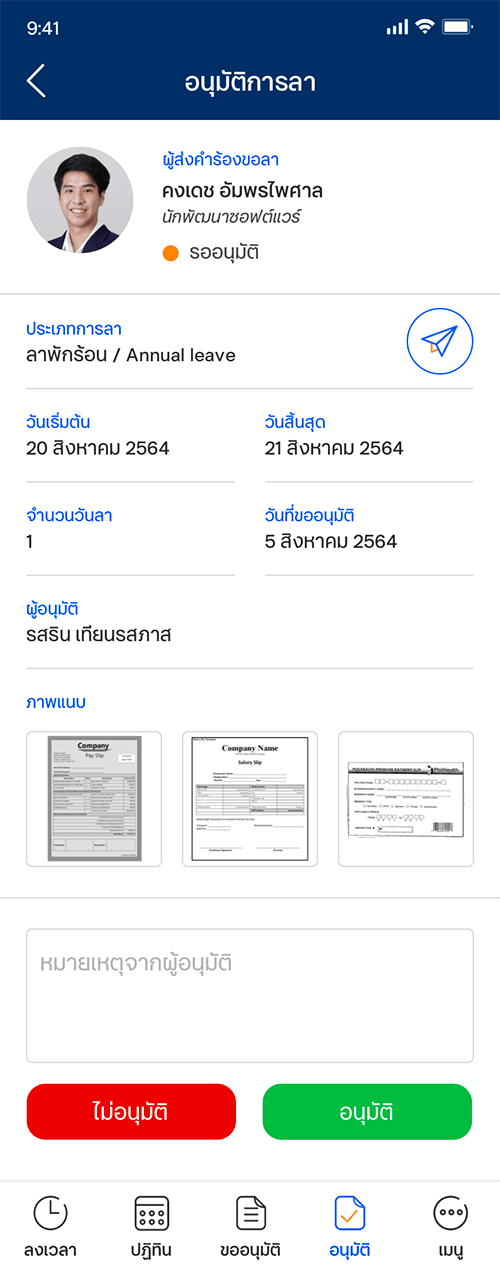
Managers land on a queue that counts exactly what's waiting: leave, expense and overtime, and drill into a clean detail screen to approve or deny. The same app, a different lens.
Rather than ship separate apps, iHuman reshapes its navigation and capabilities by role, so the same design system serves a field employee and a managing director alike.
Check in, view the calendar, submit requests and read notifications.
Everything employees can do, plus the approval queue for their reports.
Full approval scope and organisation-level notifications and settings.
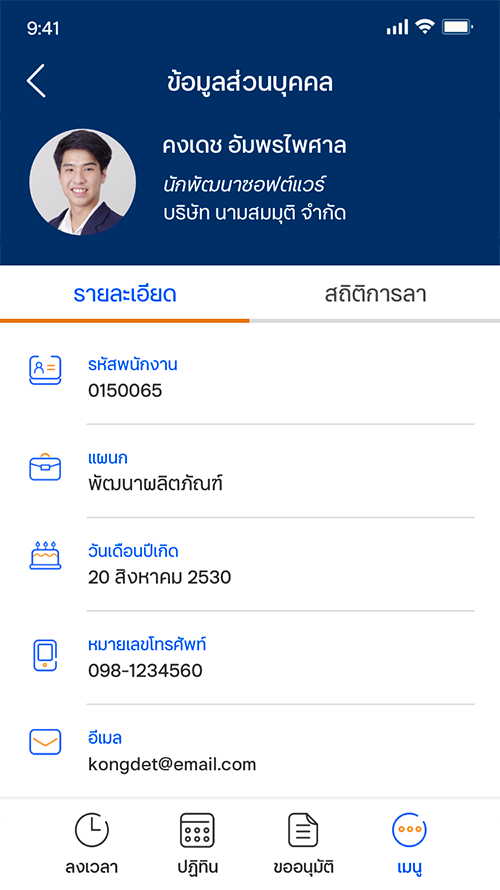

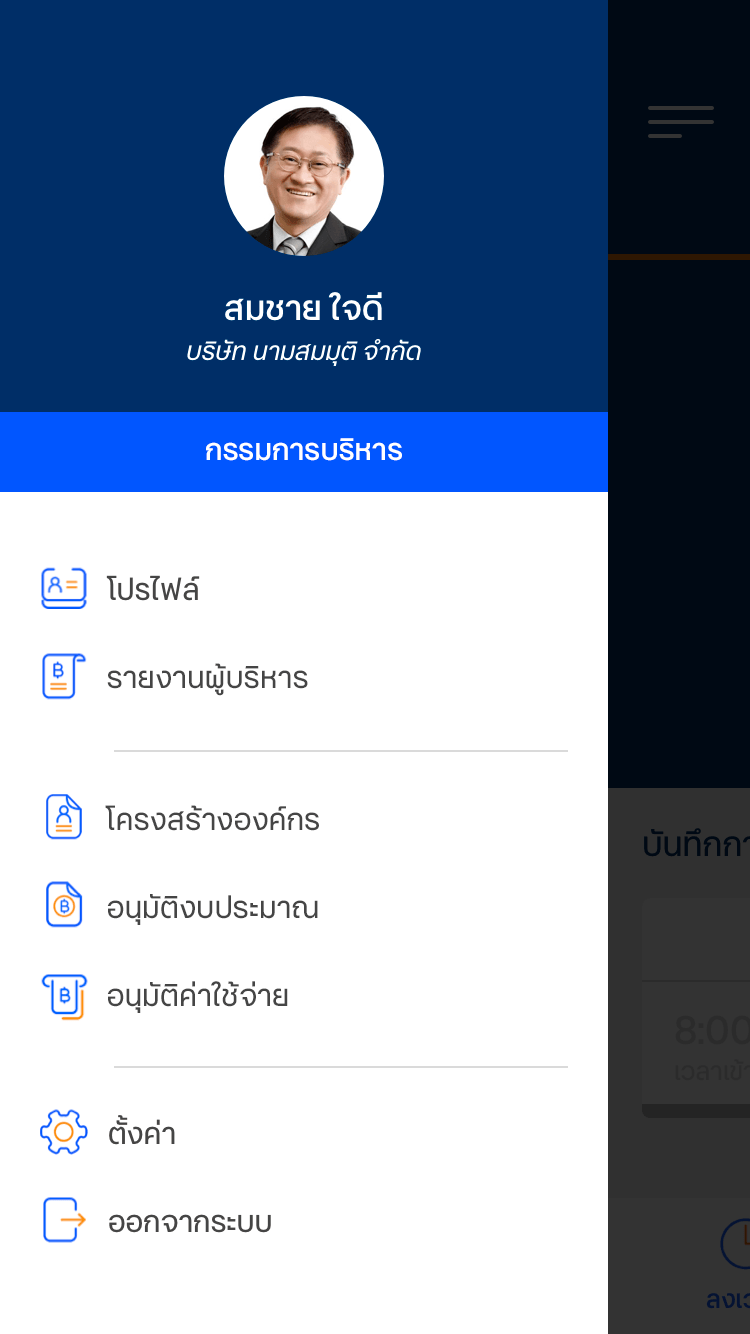
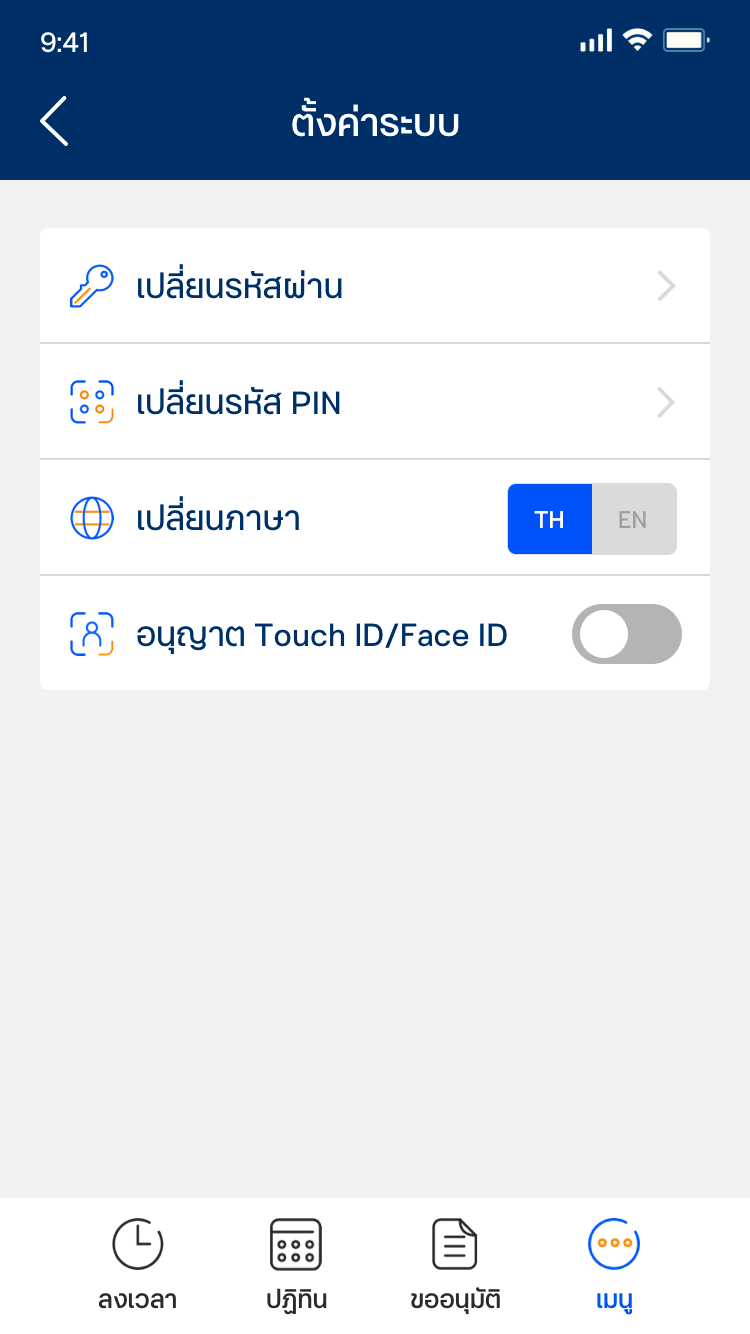
Beyond the mobile app, iHuman includes a full web dashboard giving HR managers a live view of attendance, approvals and team status, all in one place.
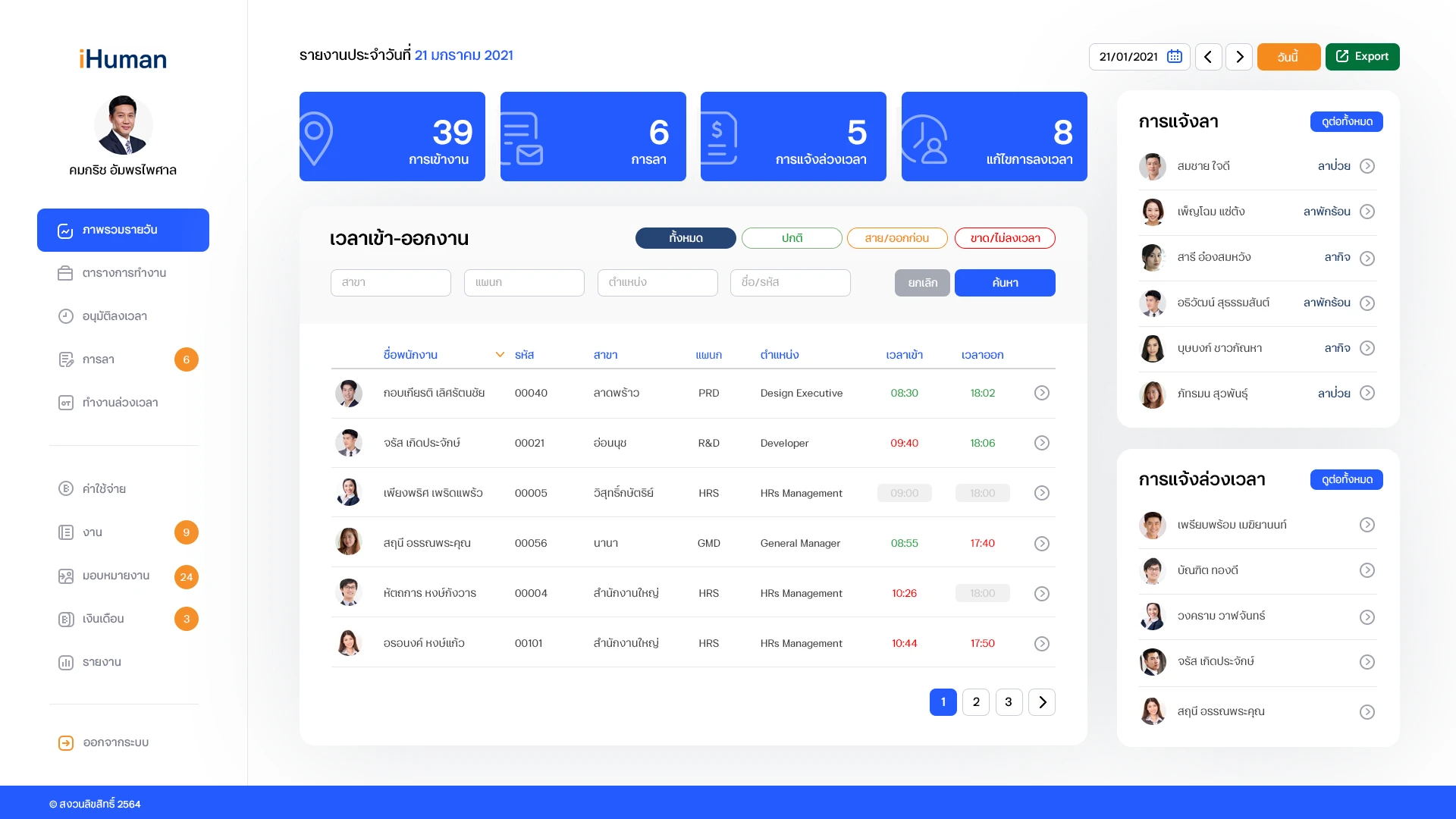
The product extends the client's existing visual identity into a unified HR experience through consistent use of colour, iconography, and interaction patterns.


Custom icon set designed to align with the client's brand guidelines.